Android Swipe Down to Refresh a Webview
Hello Guys. in this android tutorial, I will tell you how to use the swipe down to refreshing action in android using android studio. this source code will help you to refresh the web view when you swipe down on your android screen. refreshing a Webview by swiping down. it will enable the users to refresh the webview in an android.
please follow the code given below to display Android Swipe Down to Refresh a Webview
- First Create a new project in Android Studio
- File ⇒ New Android ⇒ Application Project
- Then Open src -> package -> MainActivity.java and then add following code :
JAVA (MainActivity.java)
import android.support.v4.widget.SwipeRefreshLayout;
import android.support.v7.app.AppCompatActivity;
import android.os.Bundle;
import android.webkit.WebView;
import android.webkit.WebViewClient;

public class SwipeDownRefresh extends AppCompatActivity {
    WebView webView;
    SwipeRefreshLayout swipe;

    @Override
    protected void onCreate(Bundle savedInstanceState) {
        super.onCreate(savedInstanceState);
        setContentView(R.layout.activity_swipe_down_refresh);
        swipe = (SwipeRefreshLayout) findViewById(R.id.swipeContainer);
        swipe.setOnRefreshListener(new SwipeRefreshLayout.OnRefreshListener() {
            @Override
            public void onRefresh() {
                LoadWeb();
            }
        });
        LoadWeb();
    }
    public void LoadWeb(){
        webView = (WebView) findViewById(R.id.webView);
        webView.getSettings().setJavaScriptEnabled(true);
        webView.getSettings().setAppCacheEnabled(true);
        webView.loadUrl("https://www.google.com/");
        swipe.setRefreshing(true);
        webView.setWebViewClient(new WebViewClient()
        {
              public  void  onPageFinished(WebView view, String url){
                swipe.setRefreshing(false);
            }

        });
    }
    @Override
    public void onBackPressed(){

        if (webView.canGoBack()){
            webView.goBack();
        }else {
            finish();
        }
    }
}
- Now Open res -> layout -> activity_main.xml and then add following code :
XML (activity_main.xml)
<RelativeLayout xmlns:android="http://schemas.android.com/apk/res/android"
    xmlns:app="http://schemas.android.com/apk/res-auto"
    android:layout_width="match_parent"
    android:layout_height="match_parent"
    android:paddingBottom="@dimen/activity_vertical_margin"
    android:paddingLeft="@dimen/activity_horizontal_margin"
    android:paddingRight="@dimen/activity_horizontal_margin"
    android:paddingTop="@dimen/activity_vertical_margin"
    app:layout_behavior="@string/appbar_scrolling_view_behavior"
    >

    <android.support.v4.widget.SwipeRefreshLayout
        android:id="@+id/swipeContainer"
        android:layout_width="match_parent"
        android:layout_height="match_parent"
        app:layout_behavior="@string/appbar_scrolling_view_behavior">

        <android.support.v4.widget.NestedScrollView
            android:layout_width="match_parent"
            android:layout_height="match_parent">

            <WebView
                android:id="@+id/webView"
                android:layout_width="wrap_content"
                android:layout_height="wrap_content"
                android:layout_alignParentBottom="true"
                android:layout_alignParentEnd="true"
                android:layout_alignParentLeft="true"
                android:layout_alignParentRight="true"
                android:layout_alignParentStart="true"
                android:layout_alignParentTop="true" />

        </android.support.v4.widget.NestedScrollView>
    </android.support.v4.widget.SwipeRefreshLayout>
</RelativeLayout>
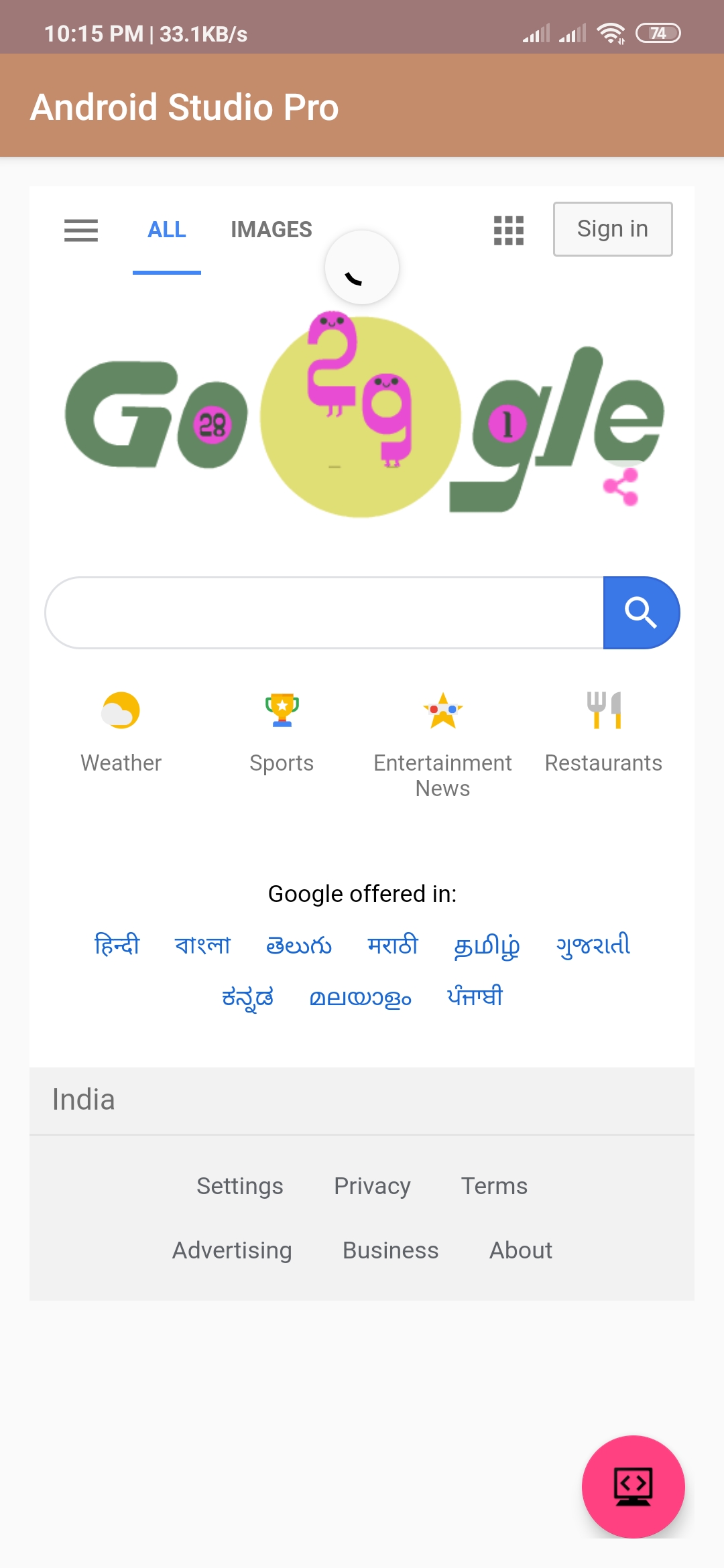
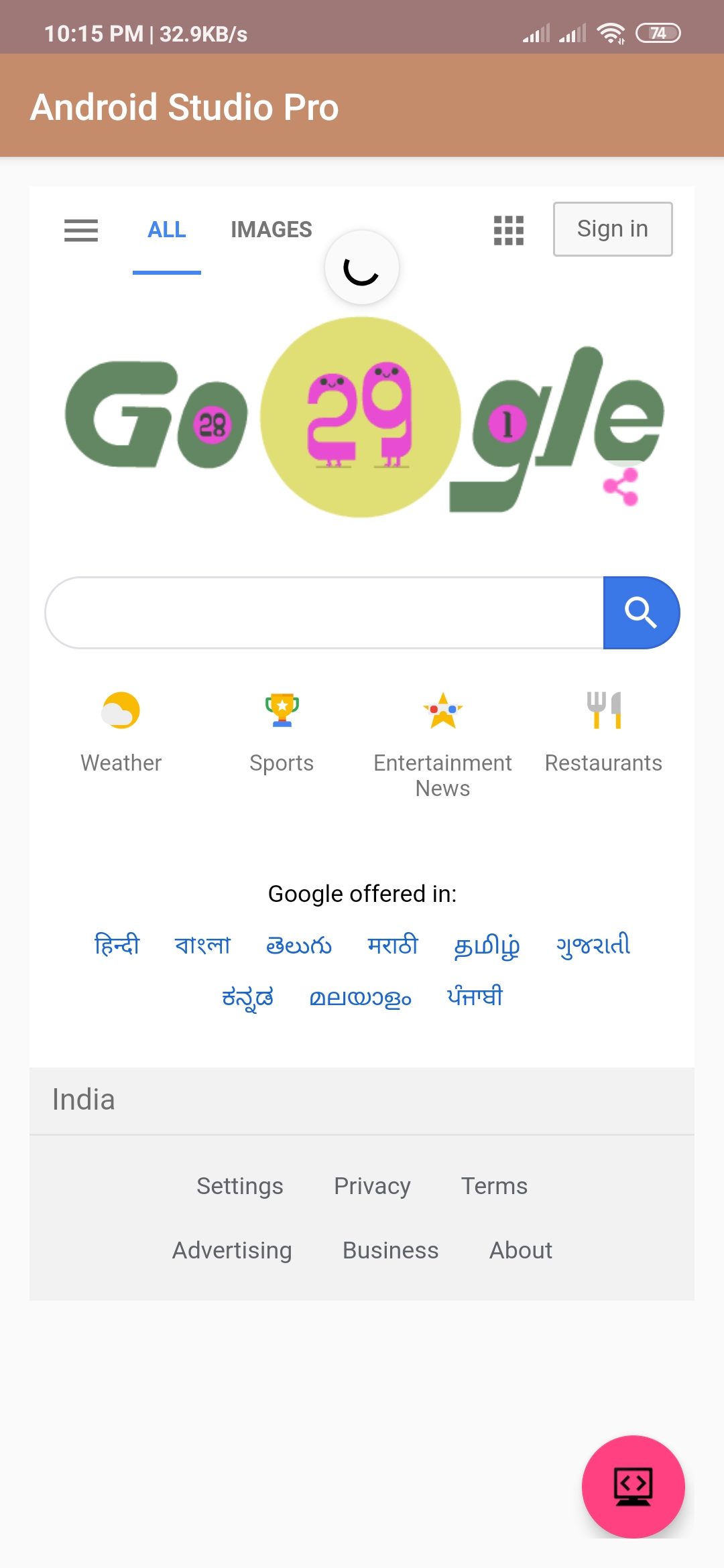
Output:
Finally, run this project.
This is how to swipe down to refresh webview android looks like.