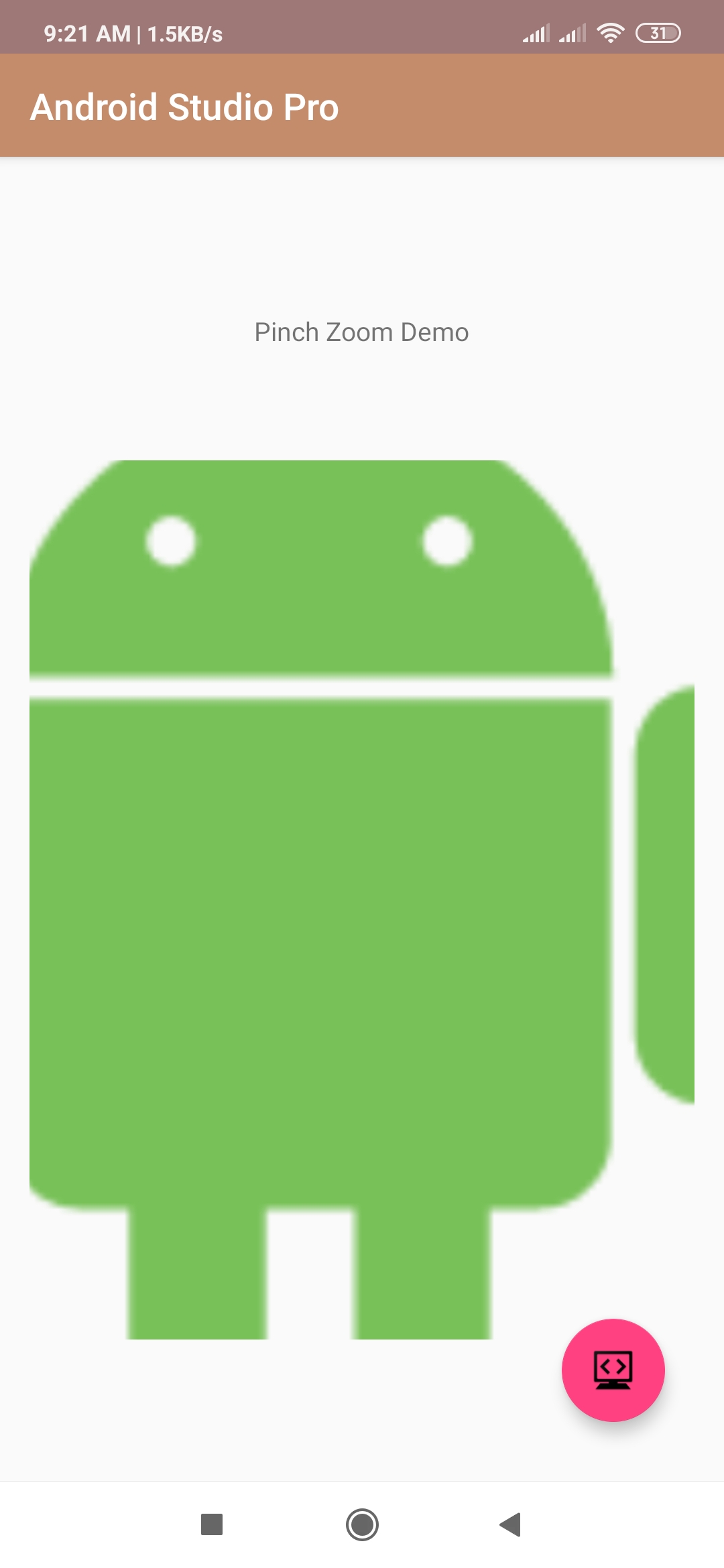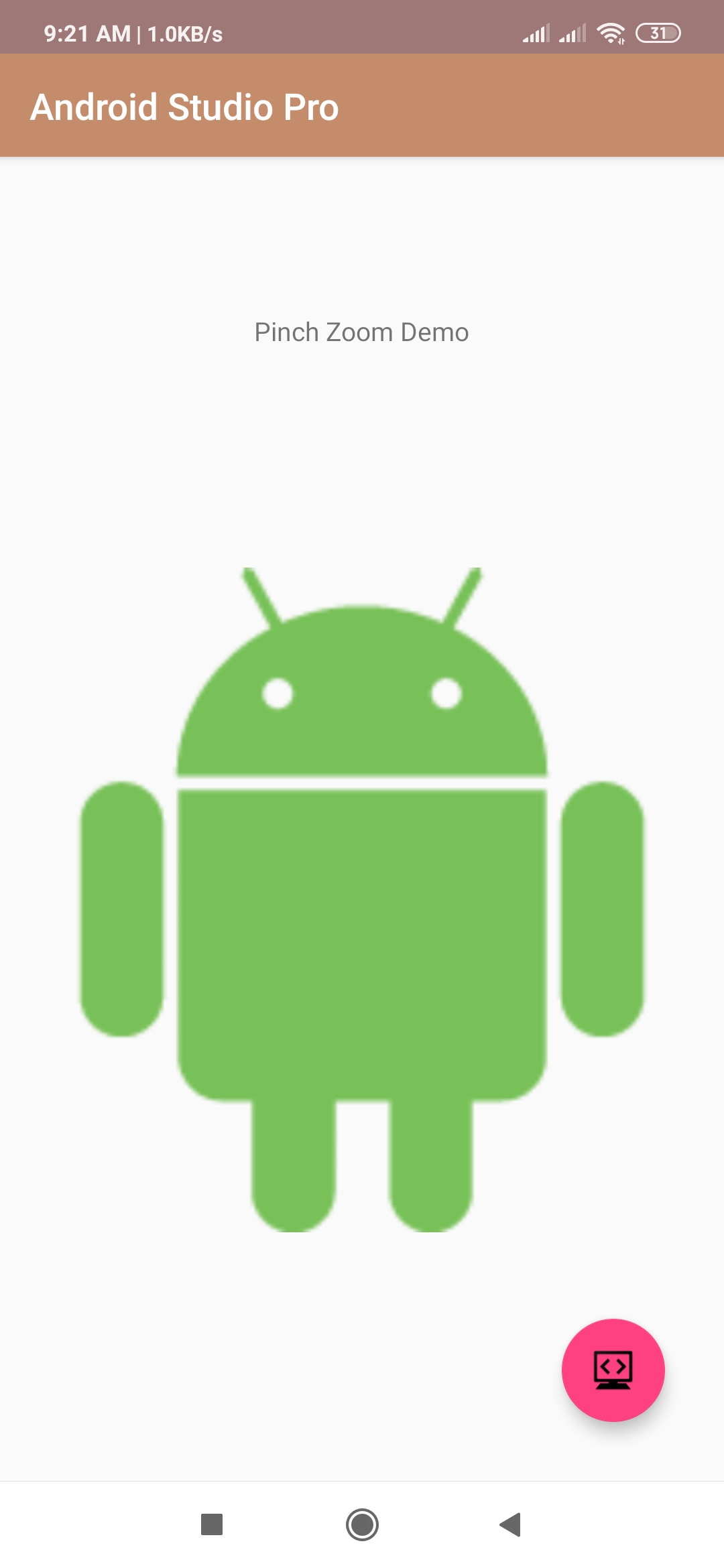
pinch to zoom imageview android studio
hello android developer In this android programming code example, we are going the learn how to pinch ImageView to zoom-in and zoom-out in android using android studio. learn pinch to zoom imageview android studio.
XML (activity_main.xml)
<android.support.constraint.ConstraintLayout
    xmlns:android="http://schemas.android.com/apk/res/android"
    xmlns:app="http://schemas.android.com/apk/res-auto"
    xmlns:tools="http://schemas.android.com/tools"
    android:layout_width="match_parent"
    android:layout_height="match_parent"
    android:paddingBottom="@dimen/activity_vertical_margin"
    android:paddingLeft="@dimen/activity_horizontal_margin"
    android:paddingRight="@dimen/activity_horizontal_margin"
    android:paddingTop="@dimen/activity_vertical_margin"
    >

    <TextView
        android:id="@+id/pinchTitleText"
        android:layout_width="wrap_content"
        android:layout_height="wrap_content"
        android:layout_marginTop="8dp"
        android:text="Pinch Zoom Demo"
        app:layout_constraintBottom_toTopOf="@+id/imageView"
        app:layout_constraintEnd_toEndOf="parent"
        app:layout_constraintStart_toStartOf="parent"
        app:layout_constraintTop_toTopOf="parent" />

    <ImageView
        android:id="@+id/imageView"
        android:layout_width="match_parent"
        android:layout_height="477dp"
        android:layout_below="@+id/pinchTitleText"
        android:maxWidth="50dp"
        android:maxHeight="100dp"
        android:scaleType="matrix"
        android:src="@drawable/android"
        app:layout_constraintBottom_toBottomOf="parent"
        app:layout_constraintEnd_toEndOf="parent"
        app:layout_constraintStart_toStartOf="parent"
        app:layout_constraintTop_toBottomOf="@+id/pinchTitleText" />

</android.support.constraint.ConstraintLayout>
Now run your project/app to test pinch to zoom imageview android app through android device or any Emulator .