How To Make Flashlight Application in Android Studio
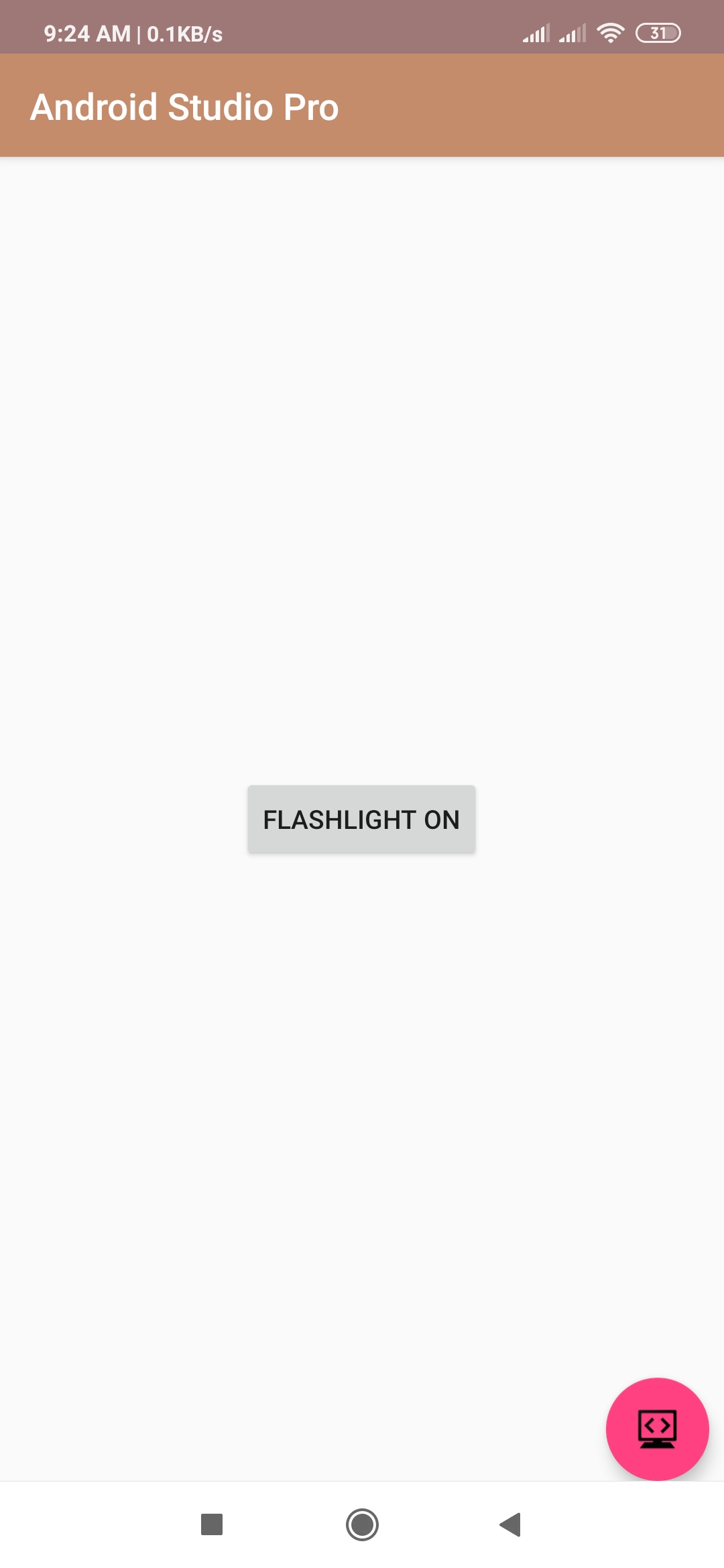
hello developer, today I will tell you how to create flashlight application in android studio. every smartphone has a flashlight feature using the camera flash. I am going to share my source code how to make a won flashlight application using android studio.
XML (activity_main.xml)
<android.support.constraint.ConstraintLayout
   xmlns:android="http://schemas.android.com/apk/res/android"
    xmlns:app="http://schemas.android.com/apk/res-auto"
    xmlns:tools="http://schemas.android.com/tools"
    android:layout_width="match_parent"
    android:layout_height="match_parent"
    tools:context=".Light">

    <Button
        android:id="@+id/btnFlashLightToggle"
        android:layout_width="wrap_content"
        android:layout_height="wrap_content"
        android:text="FLASHLIGHT OFF"
        app:layout_constraintBottom_toBottomOf="parent"
        app:layout_constraintLeft_toLeftOf="parent"
        app:layout_constraintRight_toRightOf="parent"
        app:layout_constraintTop_toTopOf="parent" />


  </android.support.constraint.ConstraintLayout>
JAVA (MainActivity.java)
import android.Manifest;
import android.content.Context;
import android.content.pm.PackageManager;
import android.hardware.camera2.CameraAccessException;
import android.hardware.camera2.CameraManager;
import android.support.annotation.NonNull;
import android.support.v4.app.ActivityCompat;
import android.support.v7.app.AppCompatActivity;
import android.os.Bundle;
import android.view.View;
import android.widget.Button;
import android.widget.Toast;


public class Light extends AppCompatActivity {

    Button btnFlashLight;
    private static final int CAMERA_REQUEST = 123;
    boolean hasCameraFlash = false;

    @Override
    protected void onCreate(Bundle savedInstanceState) {
        super.onCreate(savedInstanceState);
        setContentView(R.layout.activity_light);


        ActivityCompat.requestPermissions(Light.this,
                new String[]{Manifest.permission.CAMERA}, CAMERA_REQUEST);

        hasCameraFlash = getPackageManager().
                hasSystemFeature(PackageManager.FEATURE_CAMERA_FLASH);

        btnFlashLight = findViewById(R.id.btnFlashLightToggle);


        btnFlashLight.setOnClickListener(new View.OnClickListener() {
            @Override
            public void onClick(View view) {
                if (hasCameraFlash) {
                    if (btnFlashLight.getText().toString().contains("ON")) {
                        btnFlashLight.setText("FLASHLIGHT OFF");

                        flashLightOff();
                    } else {

                        btnFlashLight.setText("FLASHLIGHT ON");
                        flashLightOn();
                    }
                } else {
                    android.widget.Toast.makeText(Light.this, "No flash available on your device",
                            android.widget.Toast.LENGTH_SHORT).show();
                }
            }
        });
    }
    private void flashLightOn() {
        CameraManager cameraManager = (CameraManager) getSystemService(Context.CAMERA_SERVICE);

        try {
            String cameraId = cameraManager.getCameraIdList()[0];
            cameraManager.setTorchMode(cameraId, true);
        } catch (CameraAccessException e) {
        }
    }

    private void flashLightOff() {
        CameraManager cameraManager = (CameraManager) getSystemService(Context.CAMERA_SERVICE);
        try {
            String cameraId = cameraManager.getCameraIdList()[0];
            cameraManager.setTorchMode(cameraId, false);
        } catch (CameraAccessException e) {
        }
    }


    @Override
    public void onRequestPermissionsResult(int requestCode, @NonNull String[] permissions, @NonNull int[] grantResults) {
        switch (requestCode) {
            case CAMERA_REQUEST:
                if (grantResults.length > 0 && grantResults[0] == PackageManager.PERMISSION_GRANTED) {
                    hasCameraFlash = getPackageManager().
                            hasSystemFeature(PackageManager.FEATURE_CAMERA_FLASH);
                } else {
                    btnFlashLight.setEnabled(false);

                    android.widget.Toast.makeText(Light.this, "Permission Denied for the Camera", Toast.LENGTH_SHORT).show();
                }
                break;
        }
    }
}