screen rotation android source code
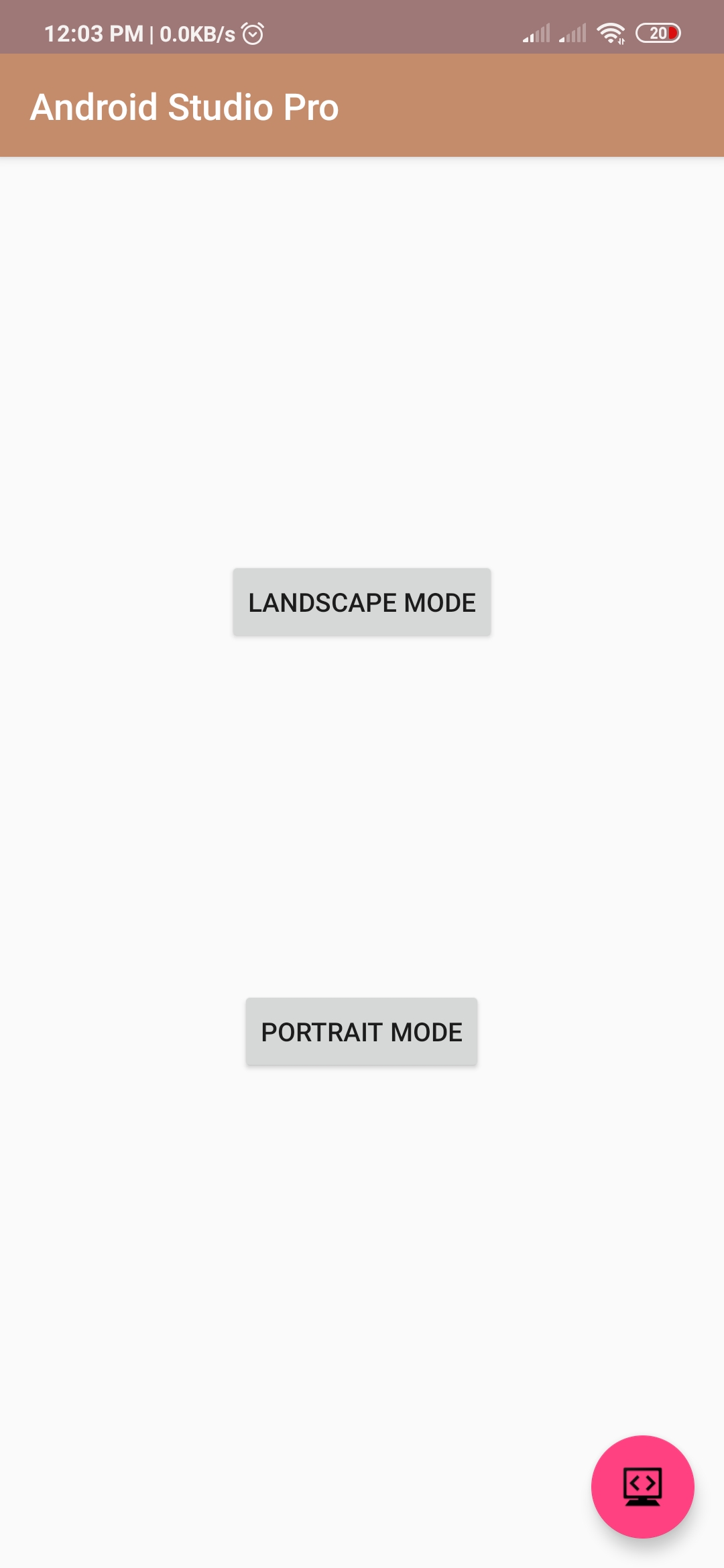
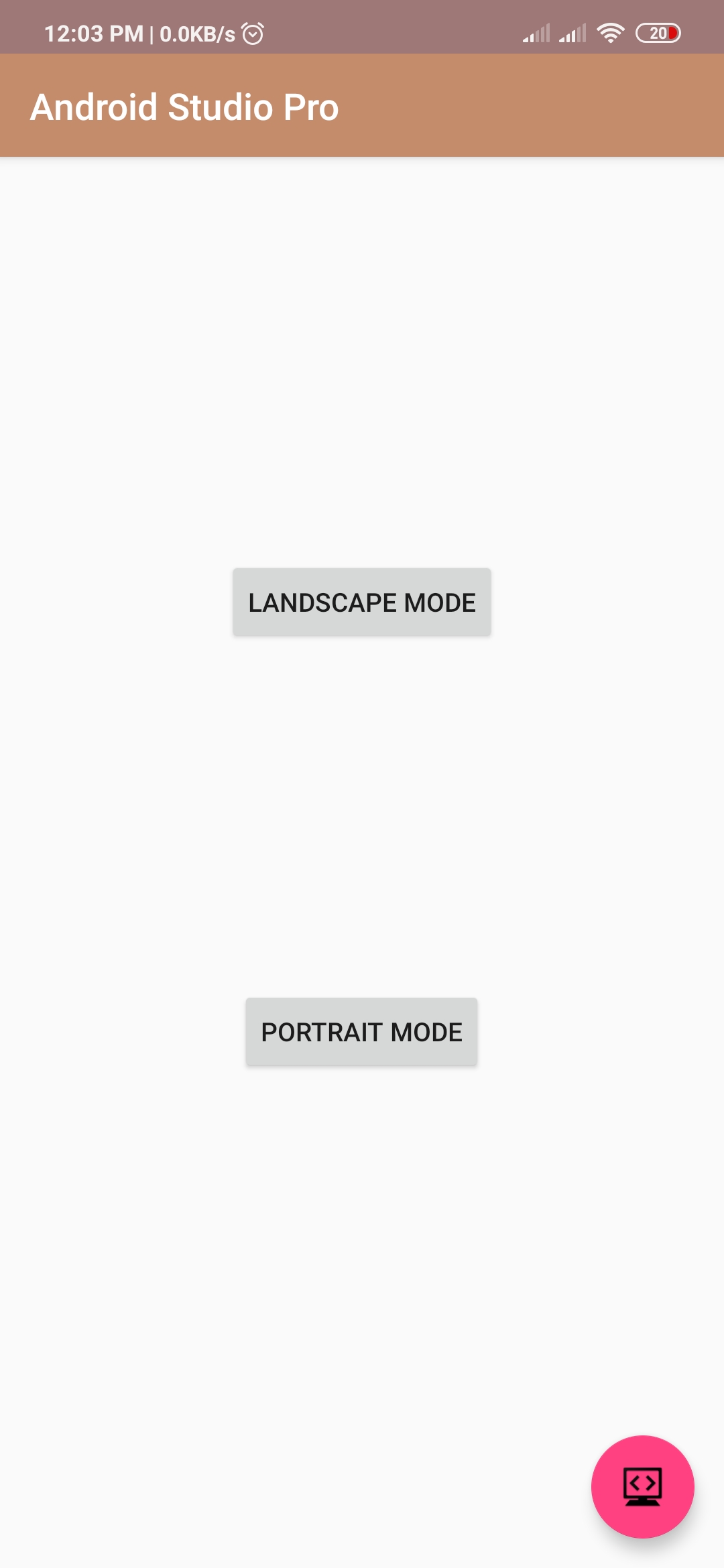
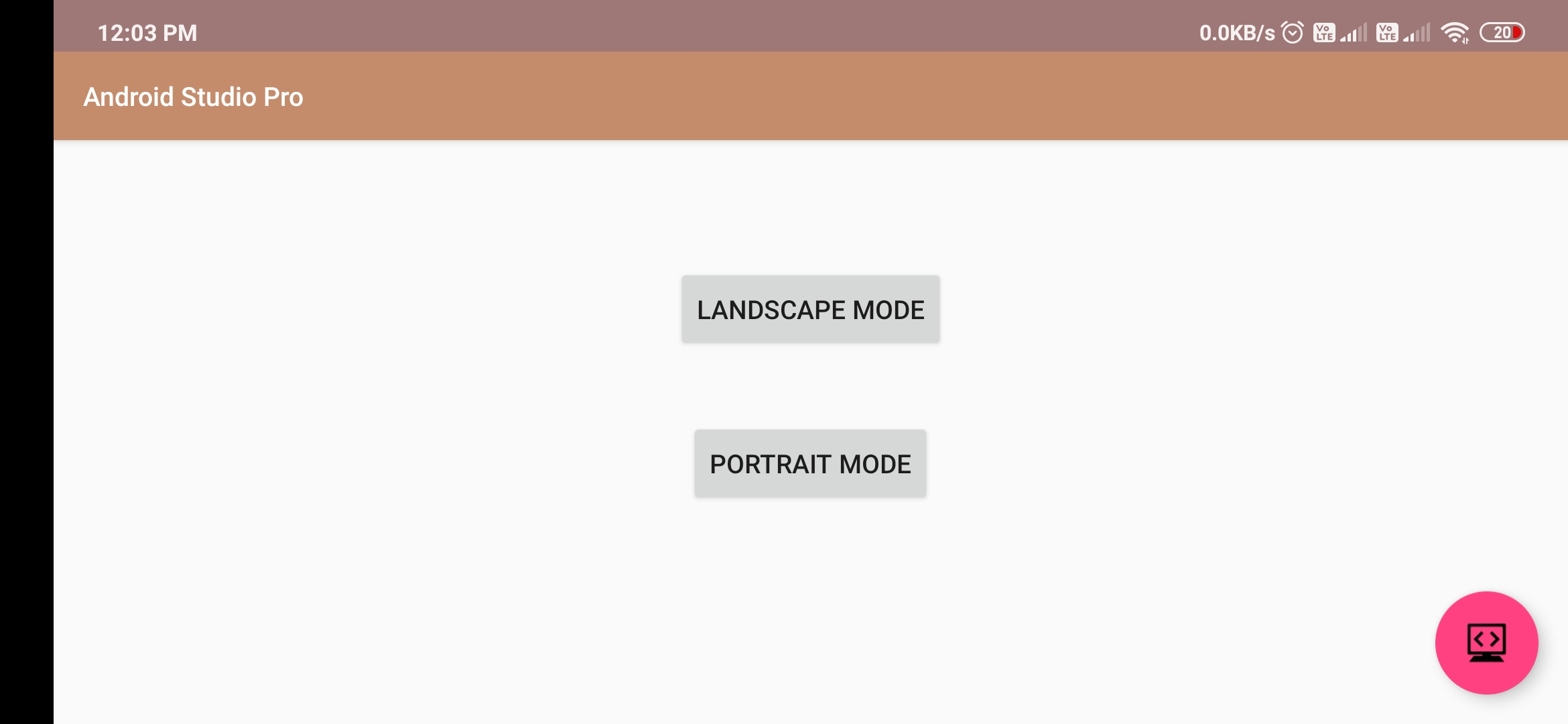
Hello Guys. Welcome to our new tutorial of android screen rotation using android studio. simple click button for change screen orientation.
please follow the code given below to rotate your android screen.
- First Create a new project in Android Studio
- File ⇒ New Android ⇒ Application Project
- Then Open src -> package -> MainActivity.java and then add following code :
JAVA (MainActivity.java)
import android.content.pm.ActivityInfo;
import android.support.v7.app.AppCompatActivity;
import android.os.Bundle;
import android.view.View;
import android.widget.Button;

public class Changescreenorientation extends AppCompatActivity {

    Button Landscape, Portrait;
    @Override
    protected void onCreate (Bundle savedInstanceState) {
        super.onCreate (savedInstanceState);
        setContentView (R.layout.activity_changescreenorientation);

        Landscape = (Button) findViewById (R.id.button1);
        Portrait = (Button) findViewById (R.id.button2);

        Landscape.setOnClickListener (new View.OnClickListener () {
            @Override
            public void onClick (View v) {
                setRequestedOrientation (ActivityInfo.SCREEN_ORIENTATION_LANDSCAPE);
            }
        });

        Portrait.setOnClickListener (new View.OnClickListener () {
            @Override
            public void onClick (View v) {
                              setRequestedOrientation (ActivityInfo.SCREEN_ORIENTATION_PORTRAIT);
            }
        });

    }
}
XML (activity_main.xml)
<RelativeLayout xmlns: android = "http://schemas.android.com/apk/res/android"
    xmlns: tools = "http://schemas.android.com/tools"
    android: layout_width = "match_parent"
    android: layout_height = "match_parent"
    >

    <Button
        android: id = "@ + id / button2"
        android: layout_width = "wrap_content"
        android: layout_height = "wrap_content"
        android: layout_below = "@ + id / button1"
        android: layout_centerHorizontal = "true"
        android: layout_marginTop = "14dp"
        android: text = "Portrait Mode" />

    <Button
        android: id = "@ + id / button1"
        android: layout_width = "wrap_content"
        android: layout_height = "wrap_content"
        android: layout_alignParentTop = "true"
        android: layout_centerHorizontal = "true"
        android: layout_marginTop = "156dp"
        android: text = "Landscape Mode" />

</ RelativeLayout>